ModoCheats
A private game software store built from scratch: storefront, API and admin panel — three separate apps, each deployed on its own.
- Client
- ModoCheats
- Type
- Digital goods store
- What we did
- Design, storefront, API, admin panel, deployment
- Year
- 2026
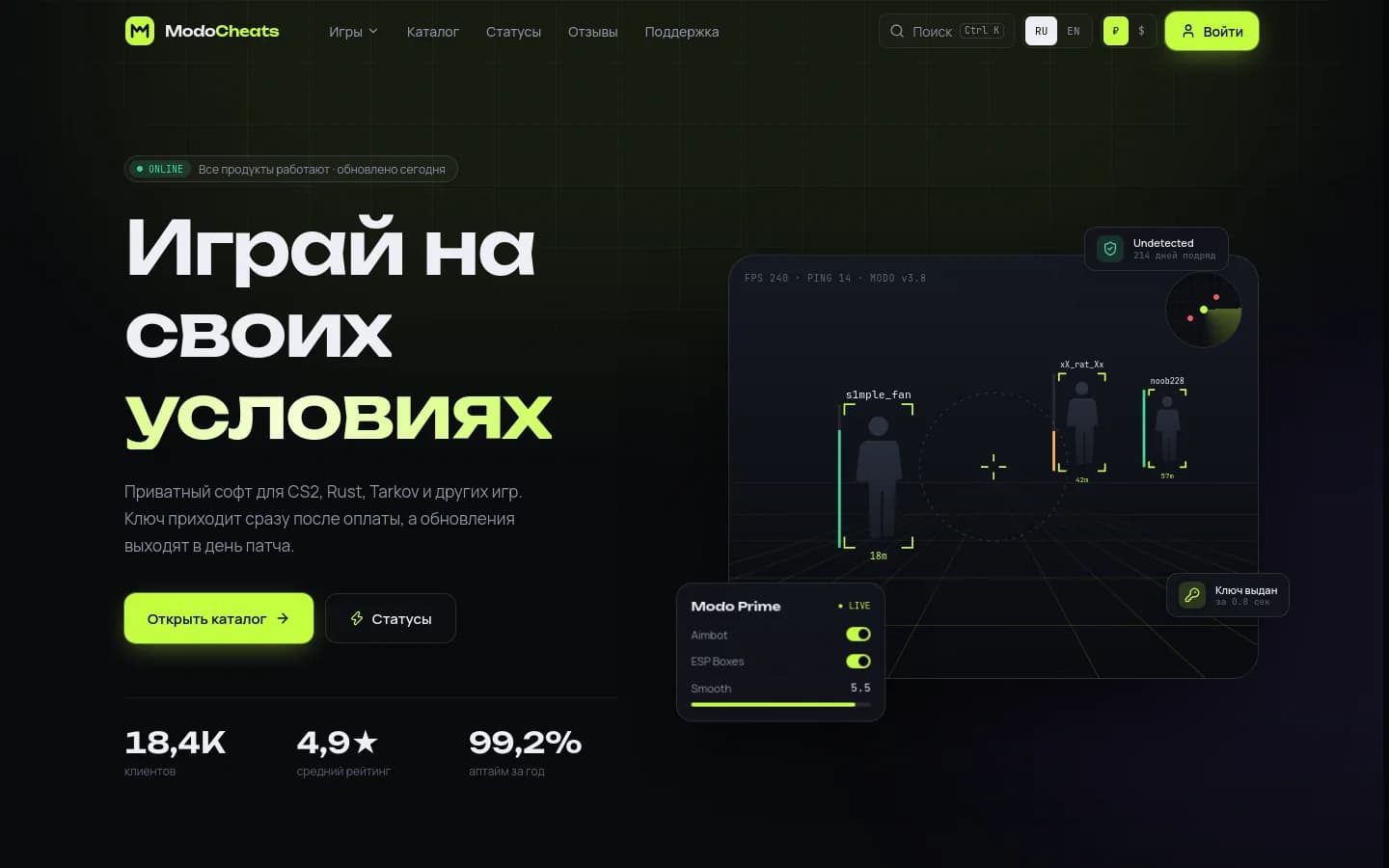
A large store, built from scratch. A catalog covering several games, plans for different terms, keys delivered right after payment, reviews, product statuses and support — in Russian and English.
Plus a full admin panel, so the owner can manage the catalog, upload keys, run promo codes and track revenue without touching code.
We split the system into three apps with clear boundaries. The storefront serves static pages and updates right after edits, the API owns the data and business rules, and the admin panel talks only to the API. Each app is built and shipped on its own.
Next.js 16, next-intl, ISR, Tailwind 4, motion
Fastify 5, MariaDB, migrations, sessions, CSRF
Next.js 16, server actions, Ctrl+K
The browser never touches the database. The storefront proxies /api/* to the backend, and after any admin edit the backend tells the storefront which pages to revalidate.
The first screen says what the store is and shows the product at work: a HUD with ESP boxes, a radar and settings. Below are popular products, games, reviews, how buying works and an FAQ.
- A live "all products working" status
- Counters for customers, rating and uptime
- A games dropdown with cover art

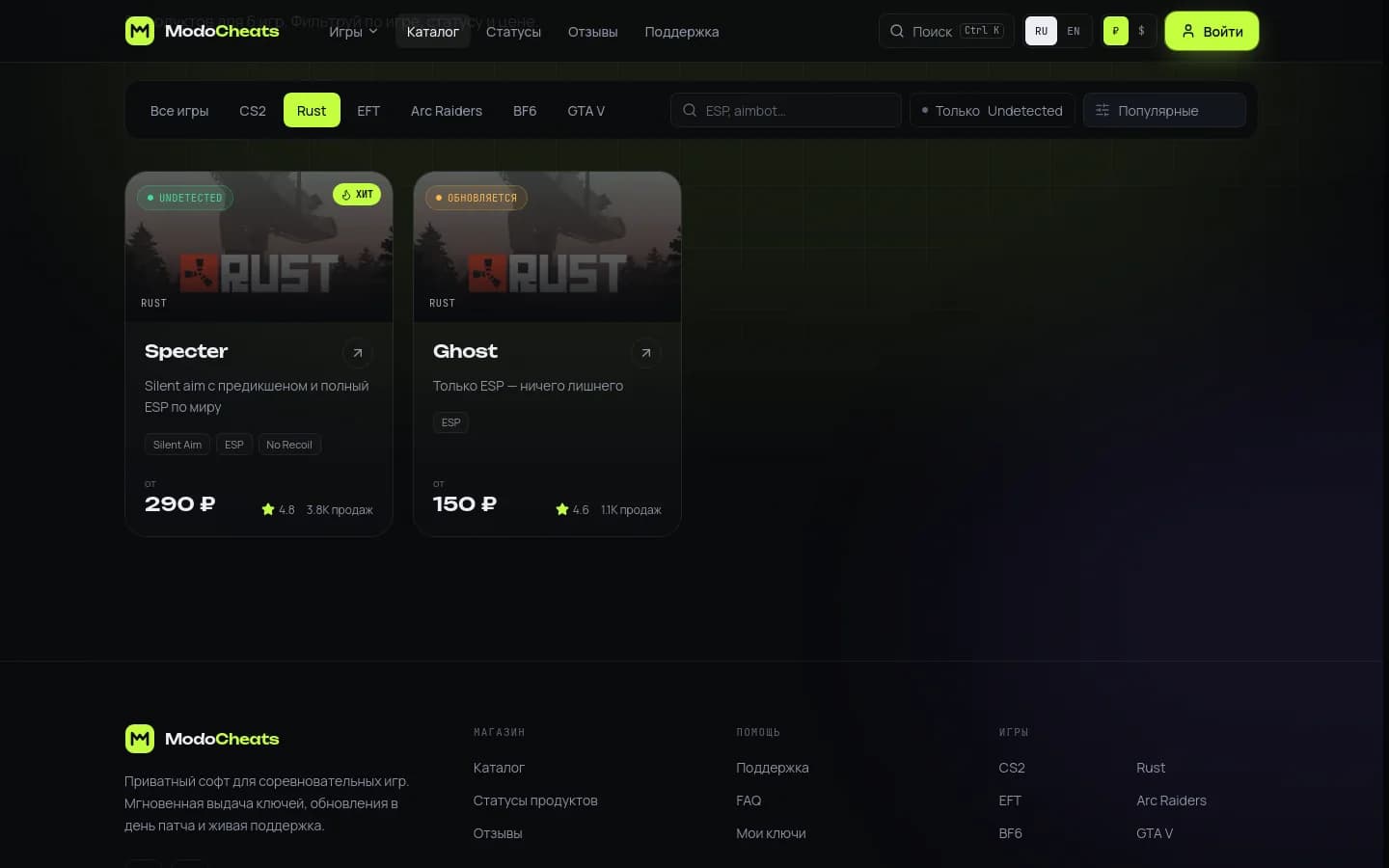
Filter by game, search by feature, an "Undetected only" toggle and sorting, all in one bar. Each card shows status, features, starting price, rating and sales count.
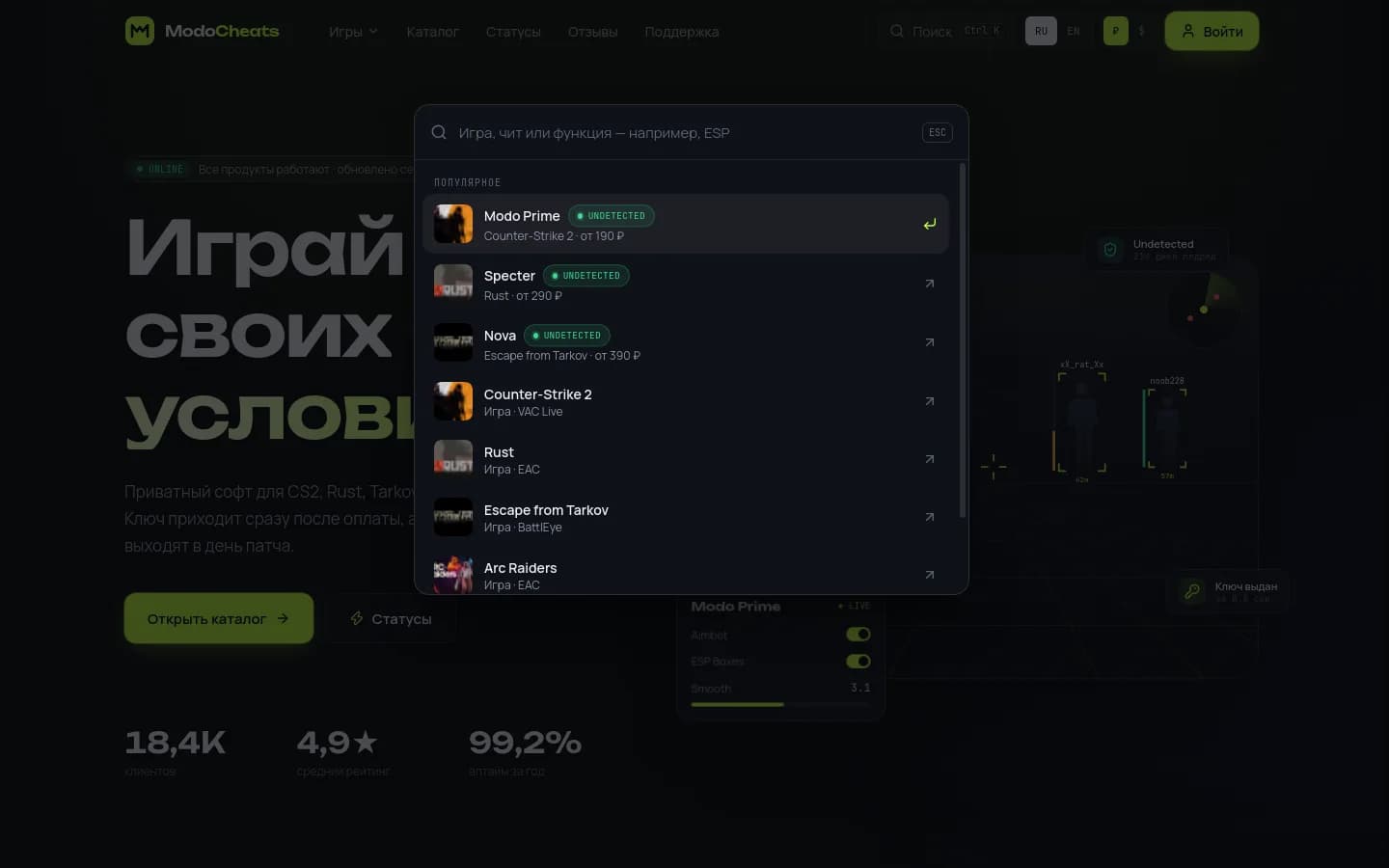
A command palette like in an IDE: games, products and features in one window, keyboard navigation, and popular picks before you type.
- Search by name, game and feature
- Status and price right in the results
- Works on phones too
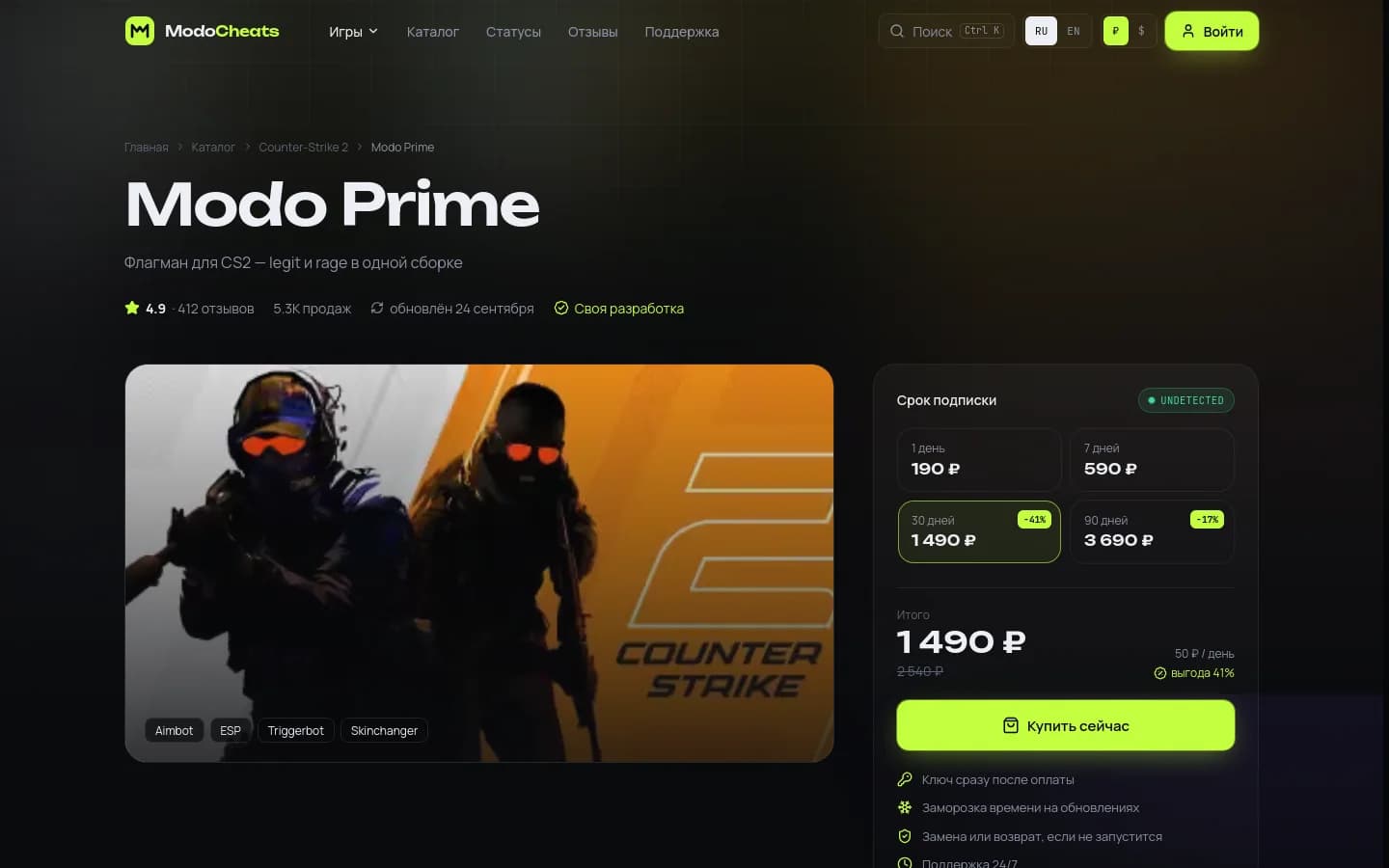
Pick a term with the savings in percent and the price per day, guarantees next to the buy button, and tabs for features, requirements and setup.
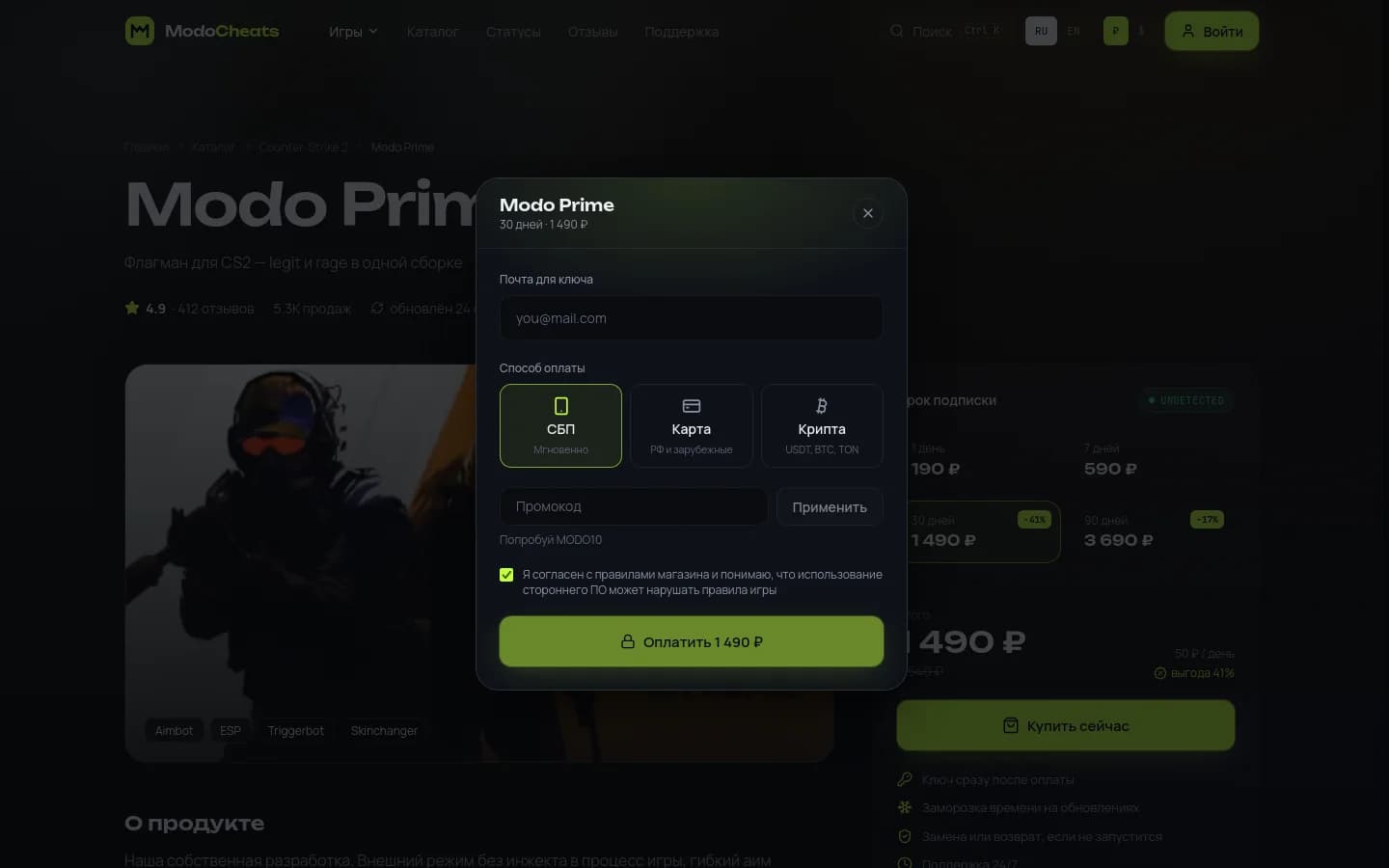
Checkout happens in a modal with no page reloads: form, promo code, payment and key. The server always calculates the final price, and the key shows up instantly and is emailed too.
- Promo codes recalculate the price on the spot
- Copy the key in one click
- Setup guide right after payment
We designed the mobile version on its own instead of shrinking the desktop one: its own menu, search and thumb-sized cards. Hover or tap a screen to scroll it.

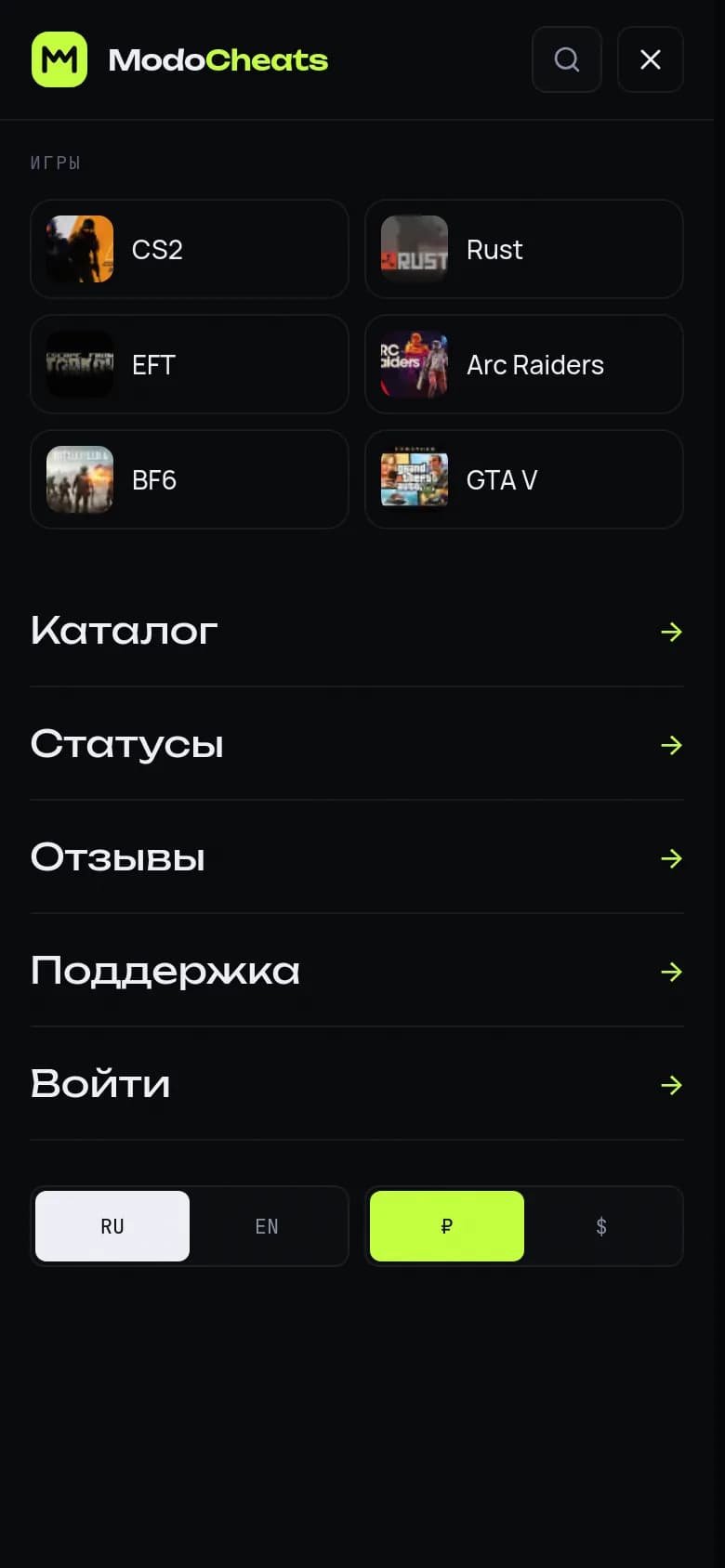

Swipe sideways · tap a screen to scroll it
Russian lives at the root and English under /en, each with its own canonical and hreflang. The header switches the currency between ₽ and $.
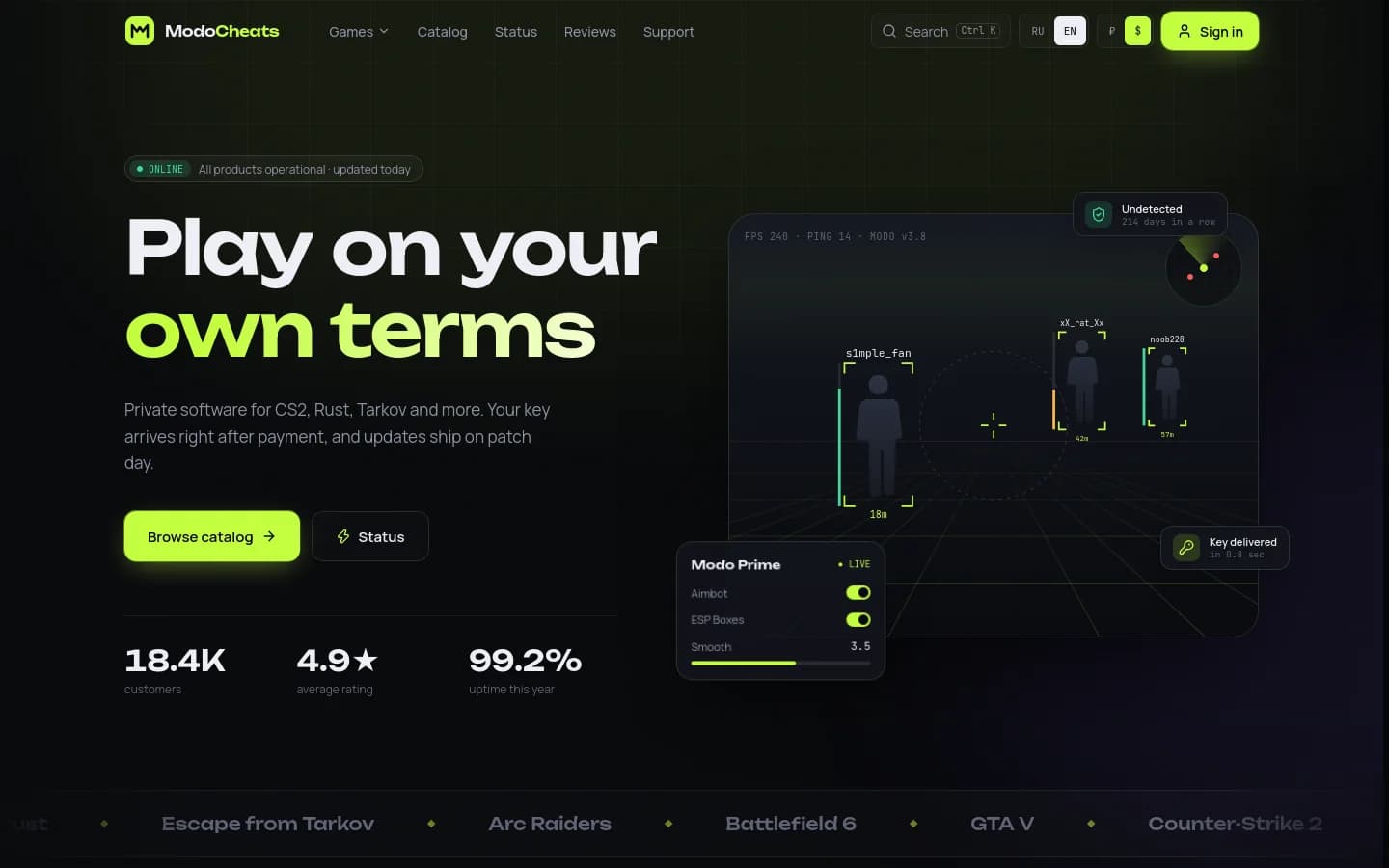
Drag the divider — RU on the left, EN on the right
A separate app on its own subdomain. Products are put together in a builder with a live card preview, and changes show up on the storefront right away. Hotkeys cover the everyday work.
ISR plus a revalidation webhook
Pages are static and fast, and the cache is cleared right after an admin edit or a new sale.
Zero-downtime migrations
The schema updates on startup under GET_LOCK, so several instances can boot at the same time.
Secure by default
httpOnly sessions, Secure cookies, Origin checks against CSRF, roles and a separate key for the admin API.
Catalog snapshots
All admin content exports to JSON and moves to a server with one command, with no personal data.
Updates that don’t break open tabs
The deploymentId comes from the commit hash, so open tabs switch to the new version on their own and old and new code never mix.
Typed translations
next-intl: Russian with no prefix, English under /en, and TypeScript checks the translation keys.
Click a page to open it in full. Use ← → to flip through.
* Screenshots from a demo environment: prices, reviews and keys shown are sample data.
A store, a SaaS or a landing page — we'll design, build and launch it, with an admin panel that's easy to work in.